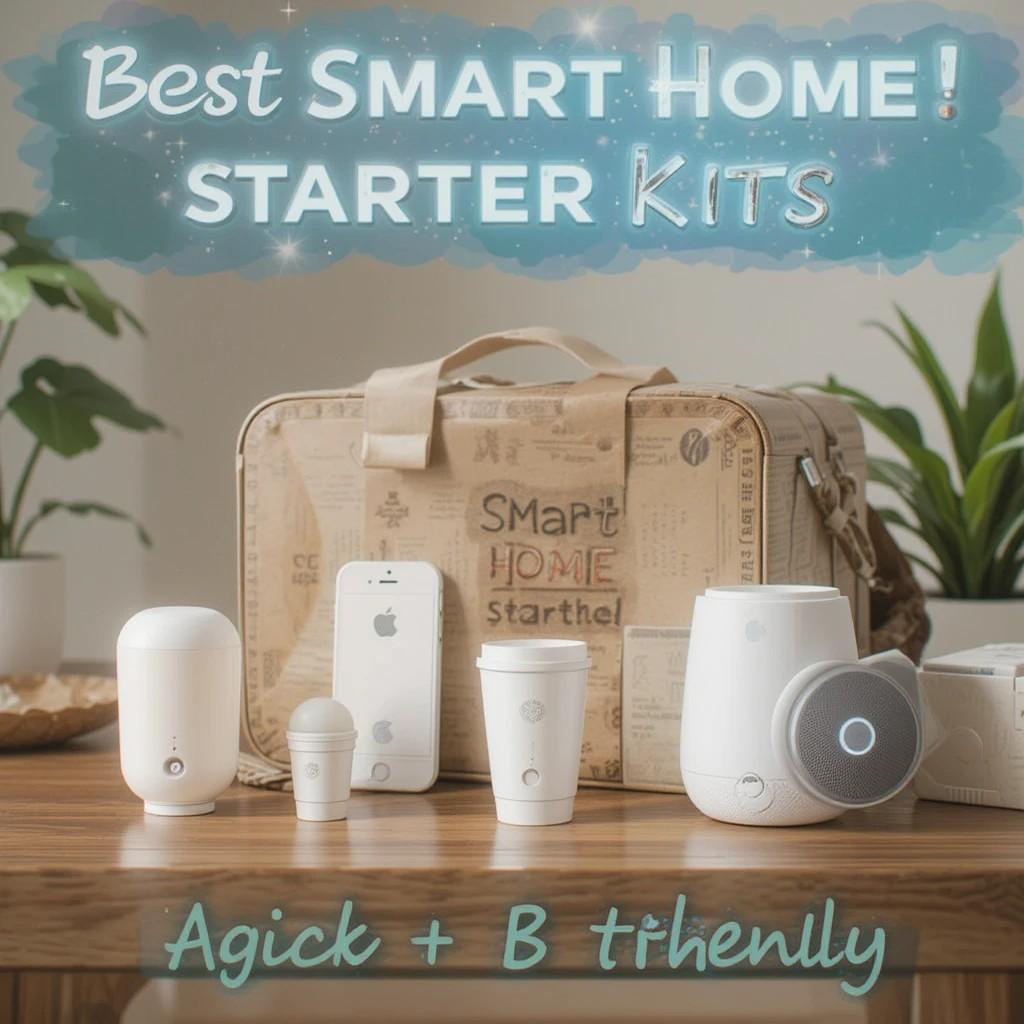
First things first: you don’t need everything. Start small. Add later.
Because when a kit works on day one, you’ll actually use it. And that’s the point.
What did I look for? Speed. Reliability. Clear apps. Real value.
If it’s flaky, it’s out. If it’s confusing, also out.
Ready? Let’s pick your starting point.
Fast Picks (so you can choose and go)

1) Aqara Smart Starter Kit — door & motion basics
Best for: Simple automations that just work.
Why: Hub + door sensor + motion + mini switch. Lights on, alerts, routines—done.
Learn more → /smart-ai-living/aqara-starter-kit/ (temporary link)
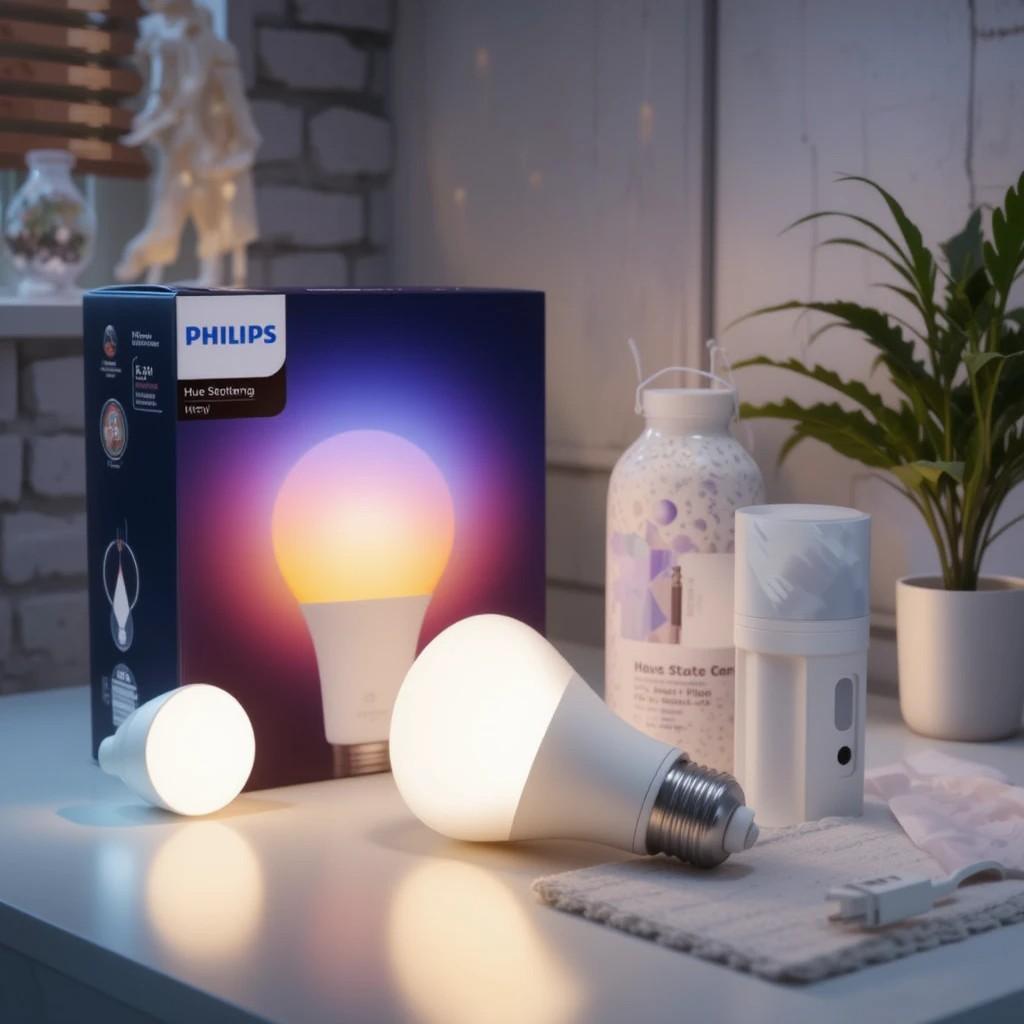
2) Philips Hue Starter Kit — lighting that “just works”
Best for: Beautiful, responsive lights.
Why: Hue Bridge + bulbs = stable, polished, family-proof.
Learn more → /smart-ai-living/philips-hue-starter/

3) Nanoleaf Essentials (Matter) Kit — hub-free Thread lighting
Best for: Fast response without a vendor app maze.
Why: Bulbs/strips pair via Matter. You’ll need a Thread Border Router.
Learn more → /smart-ai-living/nanoleaf-essentials-matter/
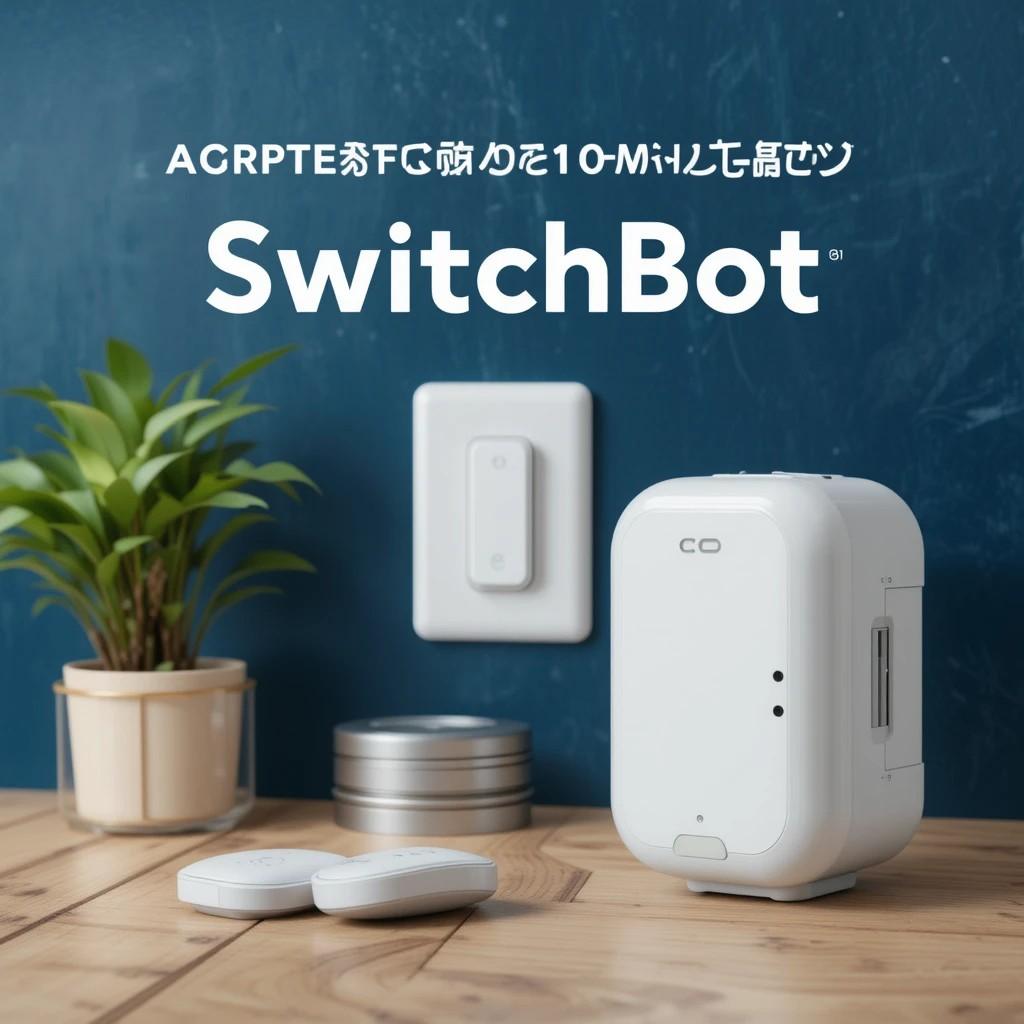
4) SwitchBot Starter Kit — renter-friendly retrofits
Best for: Apartments. No drilling. Keep your hardware.
Why: Hub 2 + Bot + Contact + Meter. Turn “dumb” buttons smart in minutes.
Learn more → /smart-ai-living/switchbot-starter/
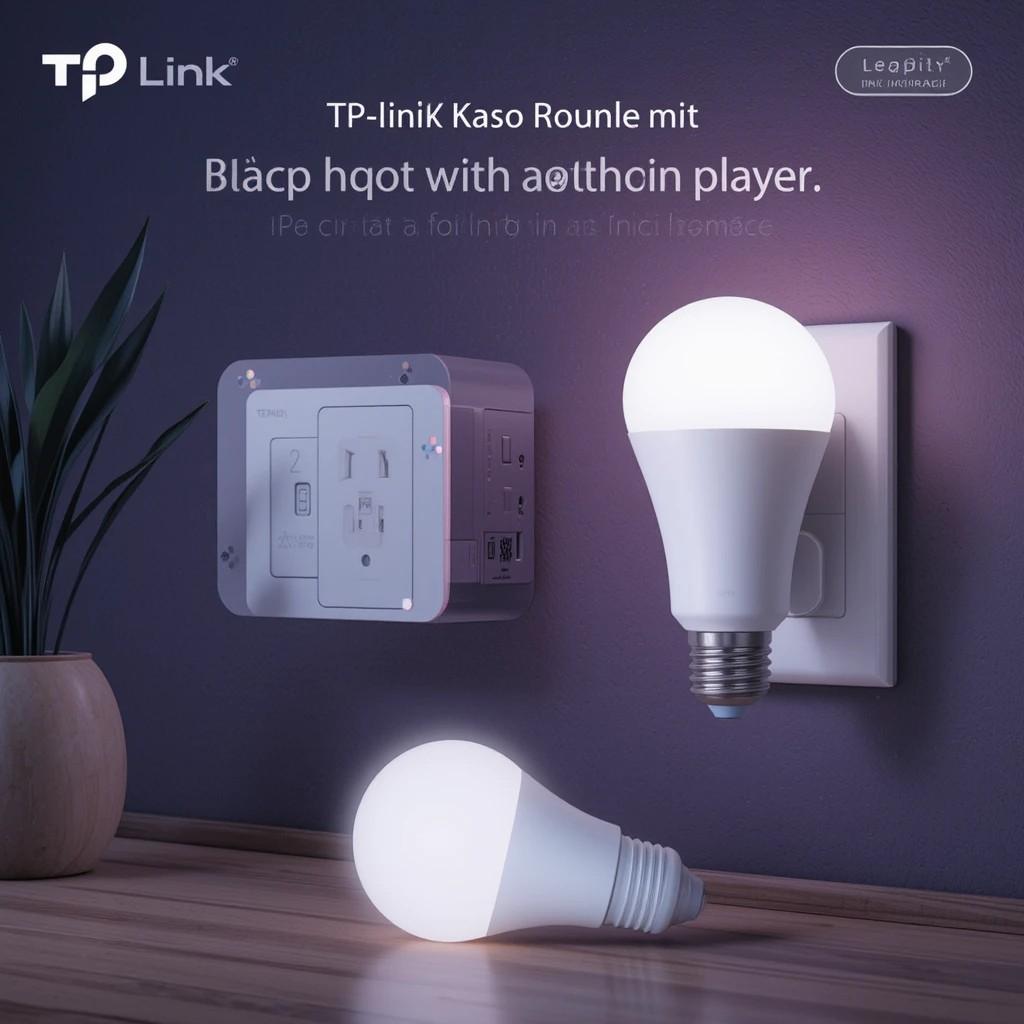
5) TP-Link Tapo/Kasa Starter — budget plugs & bulbs
Best for: Low-cost control that’s still reliable.
Why: Easy schedules, quick pairing, solid app. Matter options exist.
Learn more → /smart-ai-living/tapo-kasa-starter/
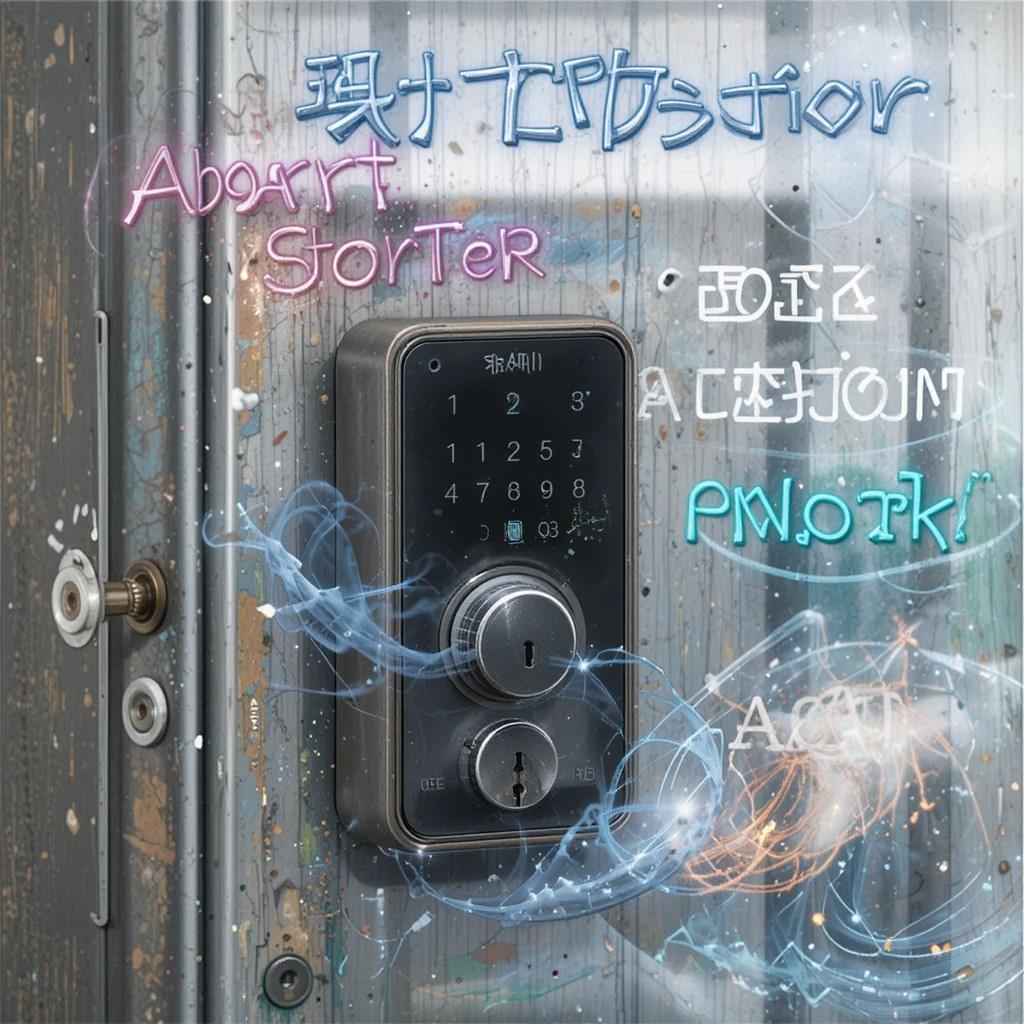
6) Smart Lock Starter (bonus) — quick entry upgrades
Best for: Tap-to-unlock and smooth guest PINs.
Why: Choose Apple Home Key, Android, or a renter retrofit.
See my shortlist → /smart-locks-2025/
What you’ll need (and what you don’t)
- Matter/Thread gear? You’ll need a Thread Border Router (Apple TV 4K, HomePod mini, or Nest Hub 2).
- Zigbee sets (Hue/Aqara)? Use their bridge/hub. Often included.
- Wi-Fi kits (Tapo/Kasa, some SwitchBot)? Just your router and the app.
- Renting? Go retrofit. No drilling. Easy to remove.
Why these kits made the cut
- Speed: Pair fast. Work fast.
- Stability: No random drop-offs.
- Clarity: Clean apps and simple scenes.
- Fit: Apple Home, Google, Alexa—and growing Matter support.
- Value: Start now. Scale later.
Setup tips (wish I knew sooner)
- Begin with one kit. Then add devices.
- Name things clearly: Room – Device – Function.
- Keep automations focused: one goal per rule.
- For Thread/Matter, keep the border router powered and nearby.
- Test scenes at night and in the morning. Different light = different needs.
Quick FAQs
Do I need a hub?
Sometimes. Hue and Aqara like their bridge/hub. Nanoleaf Essentials (Matter) needs a Thread Border Router. Many Wi-Fi kits don’t need extras.
Apple Home or Matter—what should I pick?
If you live in Apple’s world, Apple Home is smooth today. If you want cross-platform and future-proof, Matter/Thread is the way—just add a border router.
Will this work in an apartment?
Yes. Choose retrofit options (SwitchBot, Wi-Fi plugs, Hue bulbs). No drilling. Easy to remove.
Keep browsing
Latest insights → /insights/earched this year’s smart home starter kits and picked the ones that are quick to set up, compatible with Apple Home/Android (and Matter-ready), and budget-friendly. If you’re starting from zero, this shortlist gets you from “hmm” to “hey, it works!” in minutes.
Lighting ideas → /smart-ai-living/
Home security picks → /smart-security/